The window shows two alternative cards: Step 1a (2D DLC Inference) for ordinary single-camera video, and Step 1b (3D DLC + Anipose) for synchronised, calibrated multi-camera rigs. Run only one of them. Both feed into Step 2. If you already have DeepLabCut output files (H5 or CSV), skip to Step 2.
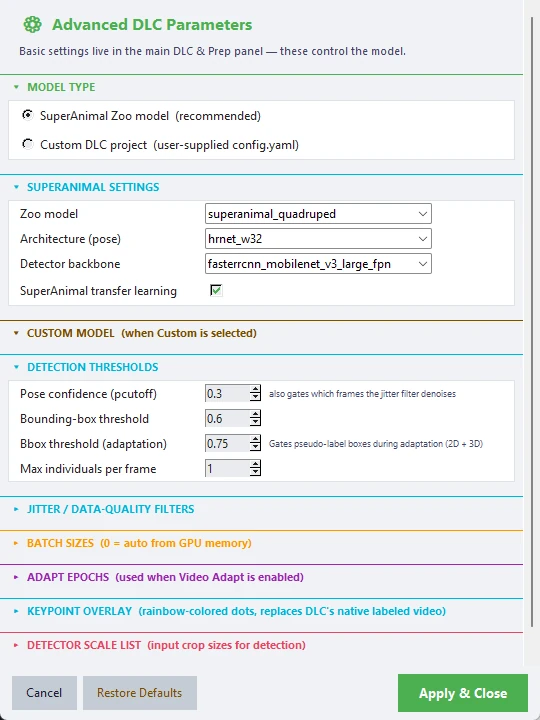
Settings that matter most (in DLC & Prep Settings)
| Setting | Default | What it does |
|---|---|---|
| Resolution | Long edge 1280 (720p) | Videos are resized before tracking |
| Video adapt | On | Fine-tunes the model on your videos for better tracking |
| Smart Adapt (v4) | On | Adapts the model once and reuses it for all videos, trained on filtered pseudo-labels pooled from same-camera videos. See Section 4a |
| Pooled labels | On | Untick to adapt on every confident label of one representative video, as in earlier versions |
| Adapt epochs | 30 | Training length for adaptation |
| Pseudo threshold | 0.40 | Strictness of the automatic labels used for adaptation |
| Post-filter | Median (spike removal) | Smoothing applied to the keypoint trajectories |
| Filtered video | On | Writes an overlay video from the filtered keypoints |
| Delete original | Off | Deletes the source video after processing. This cannot be undone |
| Run CUBE prep | On | Runs Step 2 straight after tracking |
| Recording FPS | 30 | Frames per second of your videos |
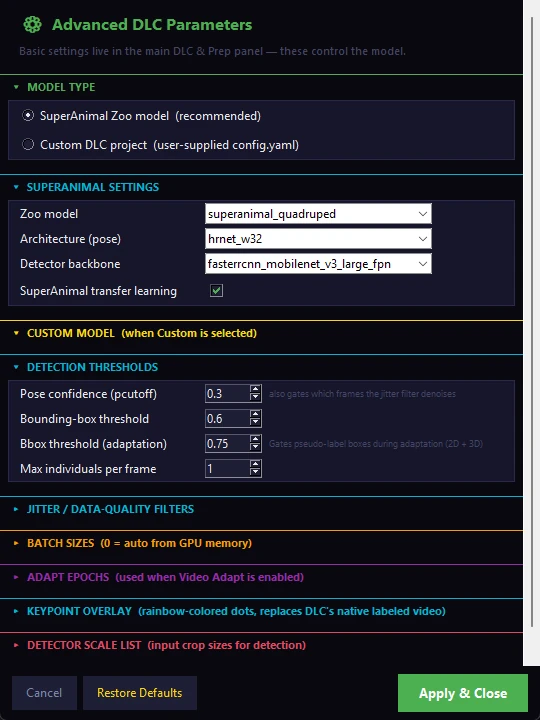
Advanced DLC Parameters holds the model choice (SuperAnimal Zoo model, recommended, or your own DLC project), the pose and detector architecture, confidence thresholds (pose confidence 0.3, bounding-box threshold 0.6), batch sizes and the keypoint overlay.
What CUBE writes: one *_filtered.h5 file per video. The filter first flags confident-but-implausible points (a per-body-part temporal gate, a head-group check, a detector-box gate and an off-body gate), then smooths the remaining confident points with a median filter and bridges gaps of up to 5 frames with a straight line. A bridged point is never reported as confident at the 0.4 display cut-off. Longer gaps are left for Step 2/3. The gates are described in Section 4a.
File matching: CUBE matches keypoint files to videos by file name, name prefix or a YYYYMMDD_HHMMSS time stamp. A file that cannot be matched is still analysed, but without video-linked features such as example clips.
Uncalibrated rigs of up to three cameras: if no calibration exists and the rig has three or fewer cameras, Step 1b can fall back to a floor-plane homography fusion of the per-camera 2D keypoints (the homography fallback option in the 3D settings, on by default). The first time a camera pair is seen, a Homography Calibrator window opens: click four or more matching physical reference points in both camera views (for example the arena floor corners plus one wall point), then save. The result is cached and reused for every later session on that rig. This improves 2D coverage but does not claim 3D metric accuracy; a calibrated rig always triangulates in full 3D. See Section 12.